Meet Voxa.
Your books, in your voice.
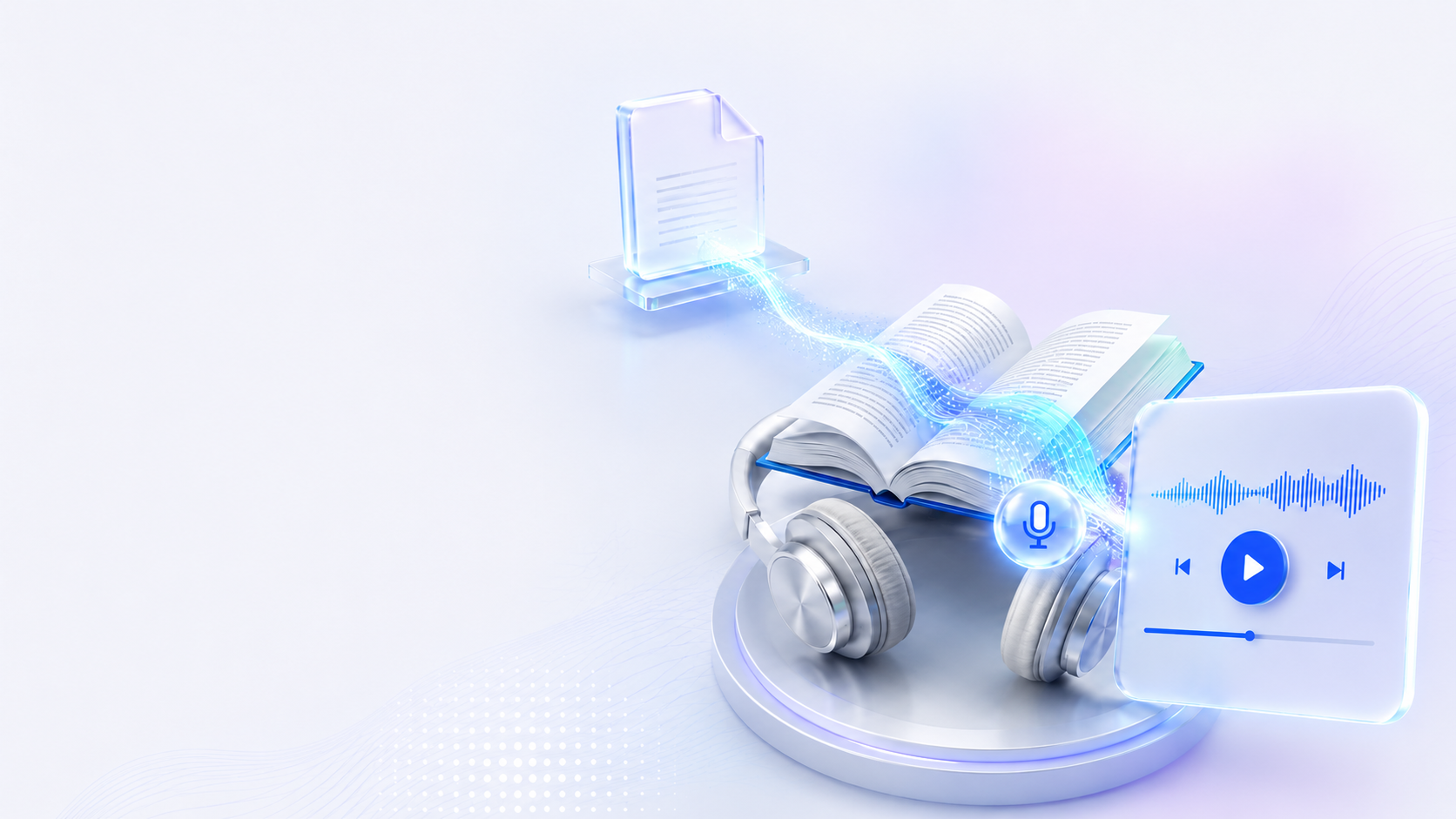
Voxa turns any PDF into a fully narrated audiobook. Upload a document, clone a voice from a short sample, and Voxa reads the entire book back in that voice — chapters, pacing, and all.
How it works
Upload PDF
Drop in any PDF — a novel, a report, a manual. Voxa handles the layout.
Extract text
Clean text is pulled from the document, stripping headers, footnotes, and page noise.
Clone voice
Provide a short voice sample and Voxa clones it for narration.
Generate audiobook
The full book is narrated chapter by chapter in the cloned voice.
Features
Accurate text extraction
Cleans up PDF layout noise, footnotes, and page furniture before narration.
Voice cloning
Clone a voice from a short sample and reuse it across any number of books.
Chapter-aware narration
Detects chapter and section breaks so pacing and pauses feel natural.
Multi-language support
Narrate documents across major languages without re-authoring the source.